
With its actual 3 billion active users, Facebook is so gigantic in terms of information that you can search for. But when you need to find someone, for example, you may want to stay anonymous. So, you don’t need to login. In fact, there are some options that you can use to search the Facebook site without the need for an account. Best of all, you can look up users there by name in other ways like contact numbers, etc…
Advanced Google search filters
With a Google search, normally we should type the name of someone and find the information we need about them. But when it comes to Facebook, that name can list lots of users on the platforms. That means a huge number of profiles on all the social media sites, dating apps, and more. All that complicates the search, as you’ll have to browse hundreds or even thousands of pages in the hope of finding the right account you are looking for.
The good news is that Google has a simple yet powerful search feature. Thus, you can only type someone’s name and then see if they have Facebook profiles or posts indirectly.
Here is one example of a search operator you can follow with Google:
name site:facebook.comUpdate the person’s name with the correct one, preferably the first and last name followed by the site name like above. That limits the results to those found through Facebook.

Social media search tools
A lot of these apps or sites crawl multiple platforms and organize the details in such a way that you can easily find a profile by name, through username, or even mobile number. However, there is no guarantee to find every account on Facebook you search for. Of course, many of these sites offer paid searches. That means a premium account is needed to search Facebook and social media without accounts there. So, it’s like a centralized dashboard to see if people have social profiles or not with a few clicks.
Instead of searching Facebook alone, you can combine the power of search algorithms to scan multiple social networks at once.
When you pick a good search system, make sure they have an up-to-date database in the US, especially. Many apps offer an out-of-data database that saves snap-short accounts on social networks, including Facebook. But when you want to verify any information, there is no way to do that. So, use the best search engines that offer extended functionalities to view profiles when possible, using the person’s name or at least their username.
Social media aggregators
This type of tool consists of creating some sort of collection by hashtags, names, or other means. Many companies use these solutions to learn more about their products and customers. Also, people can use these platforms to monitor their online presence and see if someone has mentioned them in comments, posts, etc.
When it comes to Facebook, you may use these solutions to search for someone’s posts on the platform. Thus, you see their posts without the need to login with your existing account. That being said, a few of these tools offer free accounts. So, most of them are paid, and because of that, it may not be worth it to use the app just to look for someone on Facebook one time.
Here are some of the popular social media aggregators you can try for this:
- Buffer
- Hootsuite
- Curator
- Netvibes
- Taggbox
Each of these apps comes with unique features and a different level of social media tracking and management. but since you’re only interested in using them for Facebook searches, always verify that they have that option enabled, as that can change with time in the future.
Can Facebook track your searches?
If you wonder if the person you search for on Facebook can tell if you typed their name on the platforms, then that’s not true. Facebook does, of course, search internally, but it does not share it with users.
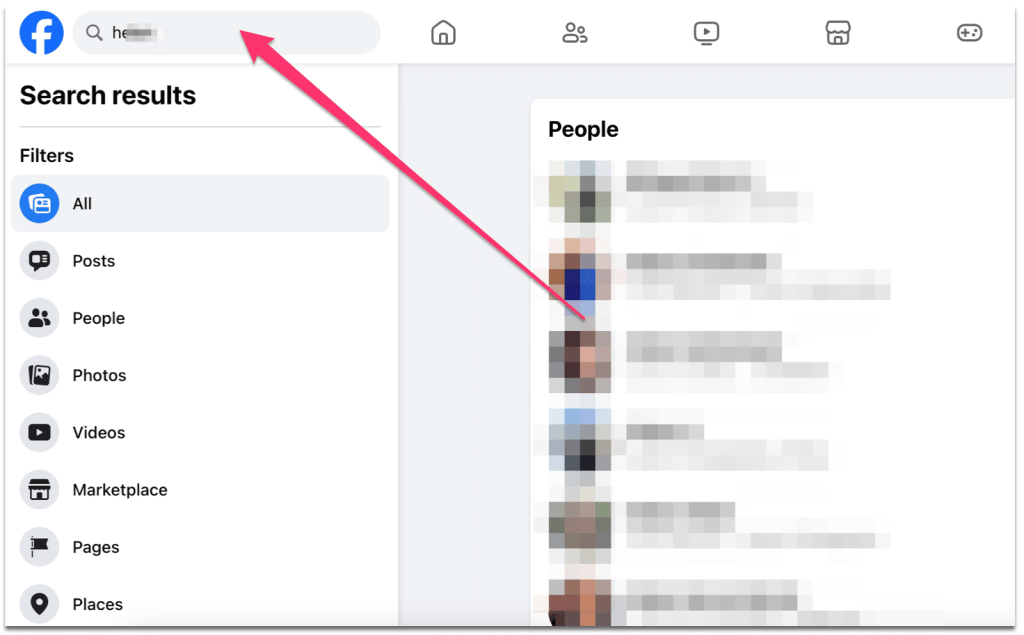
People on Facebook when your friend won’t tell you that you searched for them or visited their accounts, posts, or photos. But of course, when you make a comment or interaction, that’s valid.
If, for example, you want to look at your friend’s profile on social media, why not try other options like those above? You still have the possibility of reading the About section. Additionally, ensure that the data that you send to the Facebook search system is kept there. Thus, it’s like the Google search that doesn’t tell someone you search for them when you find their LinkedIn profile.
The limitation of anonymous Facebook search
Even if you still have some options to look at someone’s details on Facebook, there are many that you can’t view. Facebook’s system blocks access from search engines to some accounts by following the user’s privacy settings. That means, even if the profile of someone appears in a Google search, when you click on it, Facebook will ask you to login or register, which you don’t need.
Regarding private accounts, people can’t view their details, such as profile posts, details, or even photos, with Google. But with social media discovery tools, that may be possible.
Conclusion
It’s not always possible to search the Facebook site for someone and view their account or details. But there are some options that you can try, like the ones I talked about above. So even if you don’t find a way to use the Facebook search without getting information publicly, try different sites or apps. Meanwhile, keep in mind that social media networks may not share the data with third-party apps unless they have permission for that. So, when you see some promises from such tools, don’t trust their claims unless you try them or read about them online.
